
### Blog Post:
Compact L-Shaped Desk setups are transforming how small home offices and multi-use corners function in 2024—giving users ergonomic flexibility and maximizing space even in rooms under 120 sq ft.
Key Takeaways
- Compact L-shaped desks are surging in popularity for home and hybrid offices, with market growth driven by the need for space-efficient, ergonomic workstations.
- Top user challenges include difficult assembly, cable clutter, and durability—especially with lower-priced or non-wood models.
- Optimized setups with smart accessories and organization hacks can turn even the smallest corner into a productive dual-use space.
- What Is a Compact L-Shaped Desk? Core Concept
- Step-by-Step Guide: How to Set Up a Compact L-Shaped Desk
- Advanced Analysis & Common Pitfalls
- Conclusion
- FAQ: Compact L-Shaped Desks
What Is a Compact L-Shaped Desk? Core Concept
A compact L-shaped desk is a small-format, two-armed workstation designed to mount seamlessly into corners. Demand is exploding: the global L-shaped desk market hit up to USD 8.7 billion in 2024, propelled by the hybrid work shift and residential space constraints.[1]
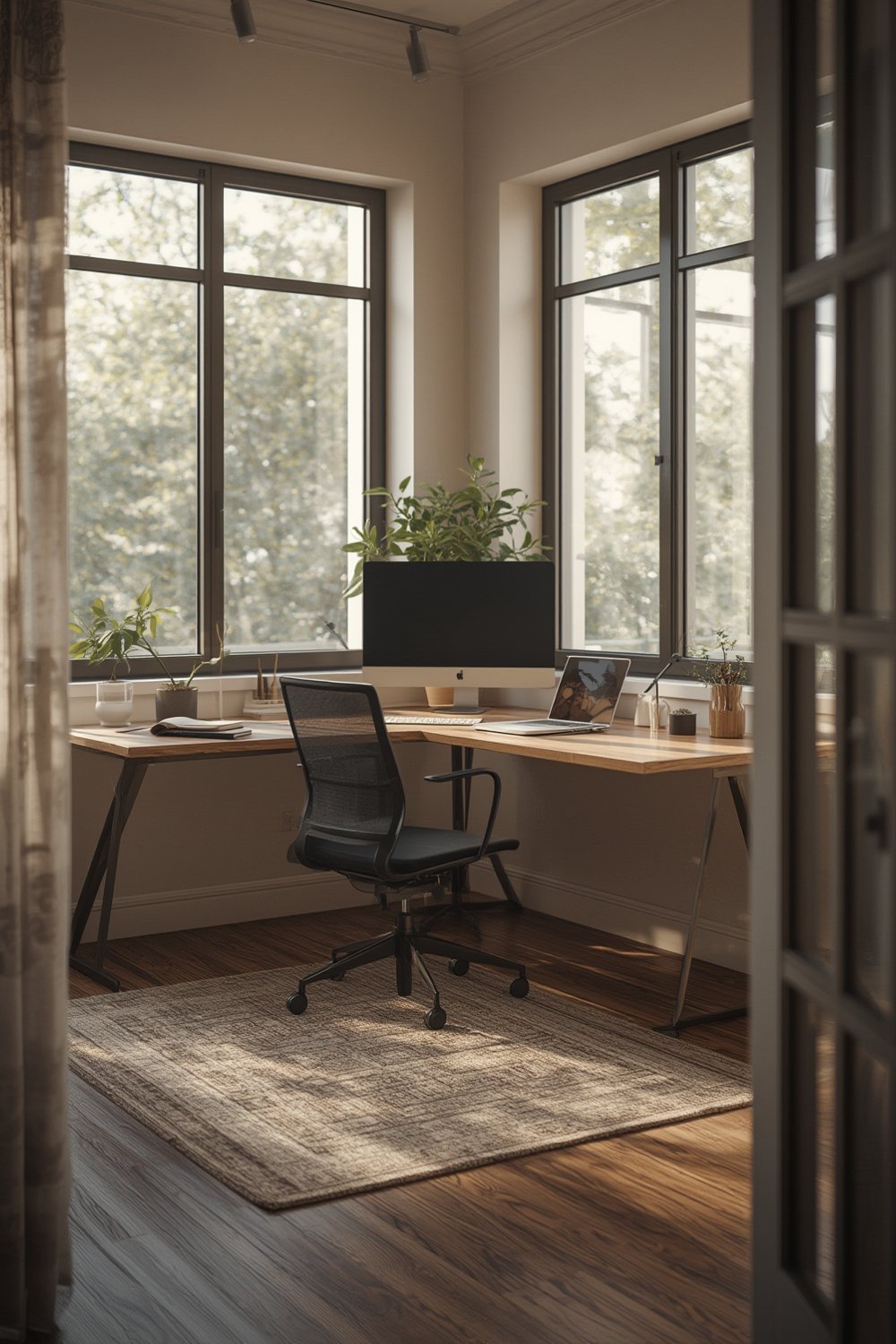
A typical compact L desk has arm lengths of 48–60 inches and a depth of 24–30 inches, making them ideal for rooms under 120 sq ft. Wood is the premium pick for both aesthetics and durability, with metal frames offering stability, and weight capacities spanning 150–300 lbs. These desks slot naturally into small apartments, studios, gaming nooks, or even tight home offices—blending style, workflow, and device management.
The surge isn’t just functional—Google search trends show that “L-shaped office desk” now consistently outpaces “corner gaming desk,” especially ahead of fall and holiday shopping. Homeowners, remote workers, students, and gamers are all clamoring for models that can seamlessly shift between work, gaming, and study. With features like adjustable height, integrated cable trays, and ergonomic design, compact L-shaped desks offer a viable alternative to clunky traditional desks.
Step-by-Step Guide: How to Set Up a Compact L-Shaped Desk
Ready to maximize every inch of a corner or a small room? Follow these steps for practical, frustration-free results:
- Measure your space. Use a tape to check both wall lengths where the desk arms will slot in. For optimal use in ≤120 sq ft rooms, arm lengths of 48–60 inches each fit best, keeping the desk compact and walkways open.
- Choose durable materials and check accessories. Wood desktops with metal frames offer strength and style, but always look for maximum weight support (aim for 200 lbs minimum if using dual monitors). Check if the desk includes features like built-in cable trays, drawers, or LED lighting—these add real-life usability.
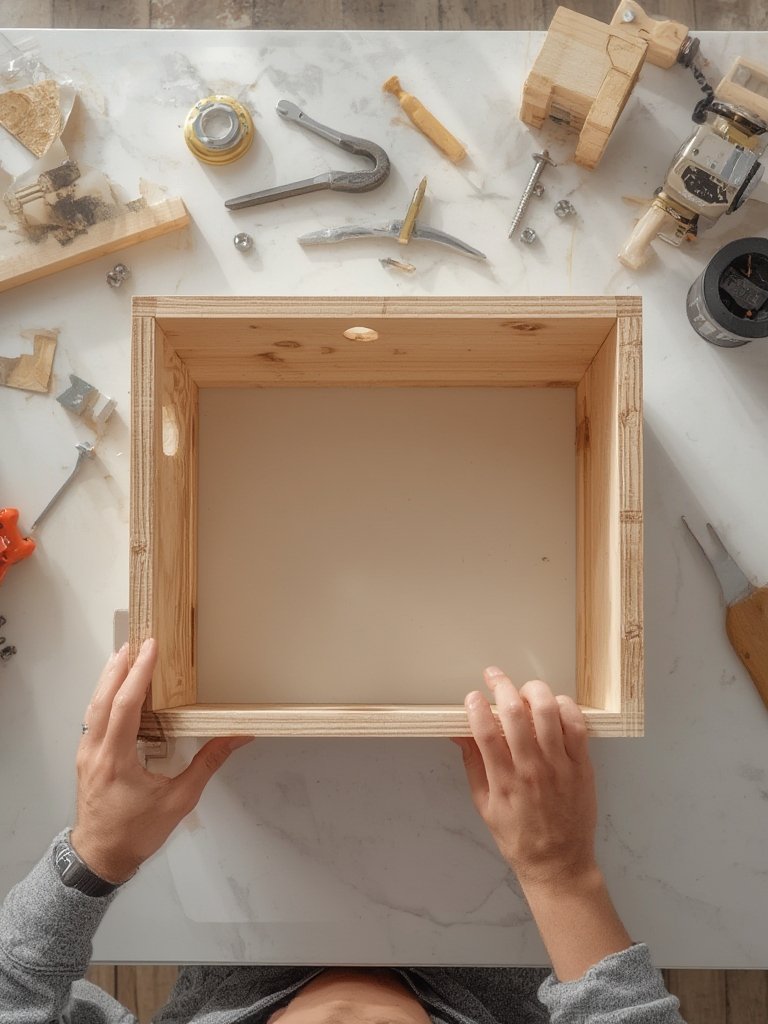
- Assemble with extra care. Most assembly complaints are about unclear instructions or missing parts—always inventory hardware before starting. If possible, use a cordless screwdriver for easier assembly and secure all joints tightly for long-term stability.
- Plan device layout and organization. For dual monitors, use ergonomic monitor arms and keep them at eye level right at the desk’s corner point. This frees up both desk arms for your keyboard, mouse, notebook, or gaming controllers.
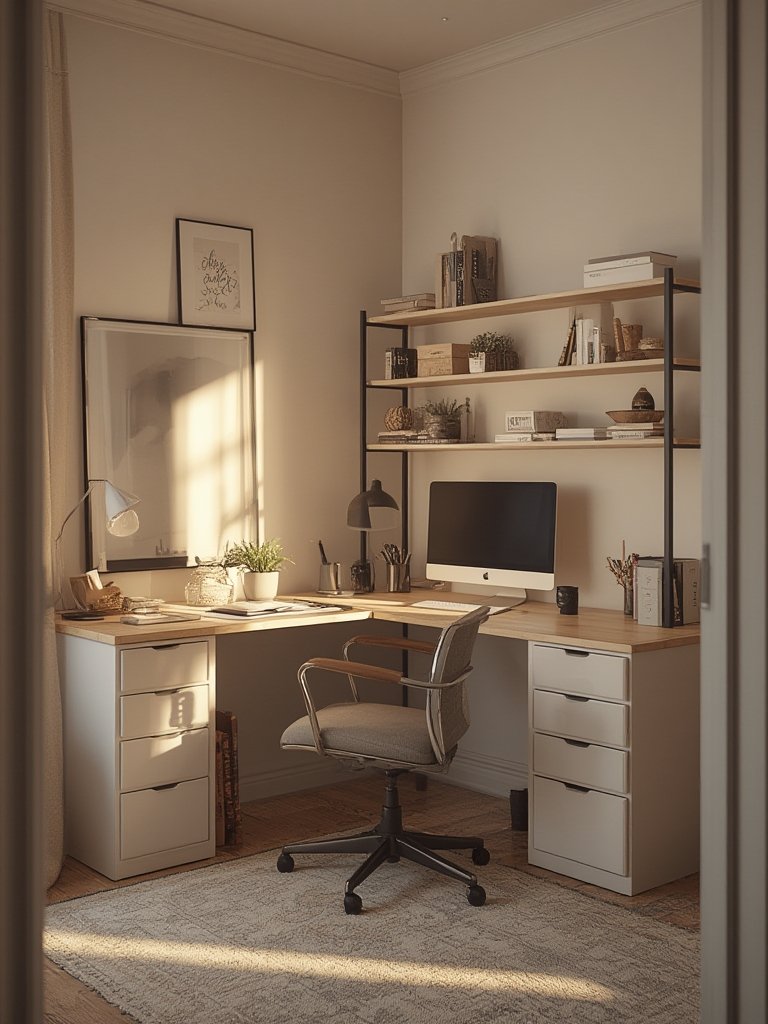
- Optimize storage with compact add-ons. Use a desk organizer with drawers and pen holders on one desk arm for daily supplies and documents. Install a keyboard tray or under-desk drawers under the other arm to save surface space.
- Hide and route cables smartly. Securely fasten cables and power strips below with trays or zip ties. A messy corner defeats the purpose of a compact L desk—route everything beneath or behind the frame.
- Adjust for comfort and style. Fine-tune chair height, monitor tilt, and, for extra flair, add under-desk LED strip lights for late-night visibility without crowding your desktop.
For small space versatility, consider pairing your desk with a folding computer desk for occasional extra surface area, or add a slim open bookshelf for vertical storage without crowding the room.
- Segment one arm for work by installing a keyboard tray ($40–80) and keeping only essentials nearby.
- Use the other arm for gaming gear, notebooks, or placing a large mousepad for smooth transitions between tasks.
- Height adjusters ($100–200) and monitor risers ($30–100) are game-changers for posture and flexibility—a must for all-day use.
Always set up the desk so that you have at least 24 inches of clear leg space. If possible, position near a window to maximize natural light.
Advanced Analysis & Common Pitfalls
While compact L-shaped desks solve many space and organization headaches, users and experts often report consistent downsides:
- Assembly frustrates users. Many reviews cite missing fasteners, vague manuals, or hours-long builds. Always buy from reputable brands and double-check included parts before starting.
- Cable and clutter control is frequently poor. Budget desks often lack integrated cable trays, resulting in unsightly tangles under and behind desks—even premium LED/gaming models can be guilty.
- Material durability varies. Cheaper laminate or thin wood models may warp or become unstable under dual monitor setups after months of use. Metal frames and solid wood panels outperform in daily use, but cost more.
- Surface area limits real efficiency in tight rooms. Even with a “compact” footprint, some models still overwhelm 100 sq ft rooms or limit movement if not carefully matched to available space.
- Accessory costs add up. “Premium” features like height adjusters, quality keyboard trays, and integrated organizers can raise costs by 20–40%—compare all-in-one bundles before buying add-ons separately.
| Feature | Budget Model | Premium Model |
|---|---|---|
| Material | Composite or plastic | Wood/metal frame |
| Weight Capacity | 120–150 lbs | 200–300 lbs |
| Assembly | Difficult, often missing hardware | Clear instructions, spare parts included |
| Cable Management | Minimal or none | Integrated trays or hooks |
| Surface Area | Fits one monitor, tight for dual setup | Dual monitor optimized, extra depth/organizers |
| Price Range (2024) | $150–400 | $400–800 |
User testimonials back this up, especially for small spaces: best-rated desks with sturdy frames and dedicated ergonomic features (like the right office chair) excel in ≤120 sq ft rooms—just don’t skimp on cable management from the start.
Conclusion
Smart use of a Compact L-Shaped Desk transforms even the smallest room into a high-functioning hub for work, gaming, or content creation. By focusing on size, durability, cable control, and smart accessory choices, you can easily avoid the most common headaches users face.
Ready to upgrade your workspace? Pinpoint your needs, compare real features, and design your corner with the right accessories. Don’t let assembly or clutter stop you—turn that unused corner into your most productive spot today.
FAQ: Compact L-Shaped Desks
What size compact L-shaped desk fits best in a small room?
For rooms 120 sq ft or smaller, look for desks with each arm between 48–60 inches and a depth of 24–30 inches. This footprint balances desktop space and movement without overfilling the area.
What’s the best way to organize cables in a compact corner desk setup?
Use integrated cable trays or install adhesive hooks underneath both arms. Bundle cables with zip ties, and only use a single power strip mounted out of sight to prevent visible clutter.
How can I make a compact L desk serve for both work and gaming?
Position both monitors on the corner, reserve one arm for work essentials (with a keyboard tray and organizer), and use the other arm for gaming gear. Adjustable-height and LED add-ons help shift between tasks seamlessly.
Are budget compact L-shaped desks reliable long term?
Budget models ($150–400) may be less sturdy over time, especially with daily dual monitor use. Investing in wood/metal premium models with good weight capacity extends reliability, even if initial cost is higher.
Which chair matches a small L-shaped desk for best ergonomics?
Choose a compact ergonomic chair with adjustable height and lumbar support—like this mesh office chair—to maximize posture and comfort in tight spaces.