
Green Screen Home Office setups have rapidly become an essential tool for professionals, streamers, and remote workers who want a polished and distraction-free virtual background at home. Whether you’re on daily video calls or producing high-quality content, understanding how to build and maintain a reliable Green Screen Backdrop environment at home is now a practical requirement.
Key Takeaways
- The Green Screen Backdrop market hit USD 452.8 million in 2024, reflecting surging demand for virtual production in home offices.
- Setting up a green screen at home requires attention to lighting, material choice, and positioning to avoid common beginner errors.
- Practical desk organizers, proper lighting, and ergonomic furniture can maximize productivity and quality in a green screen home office.
The Core Concept
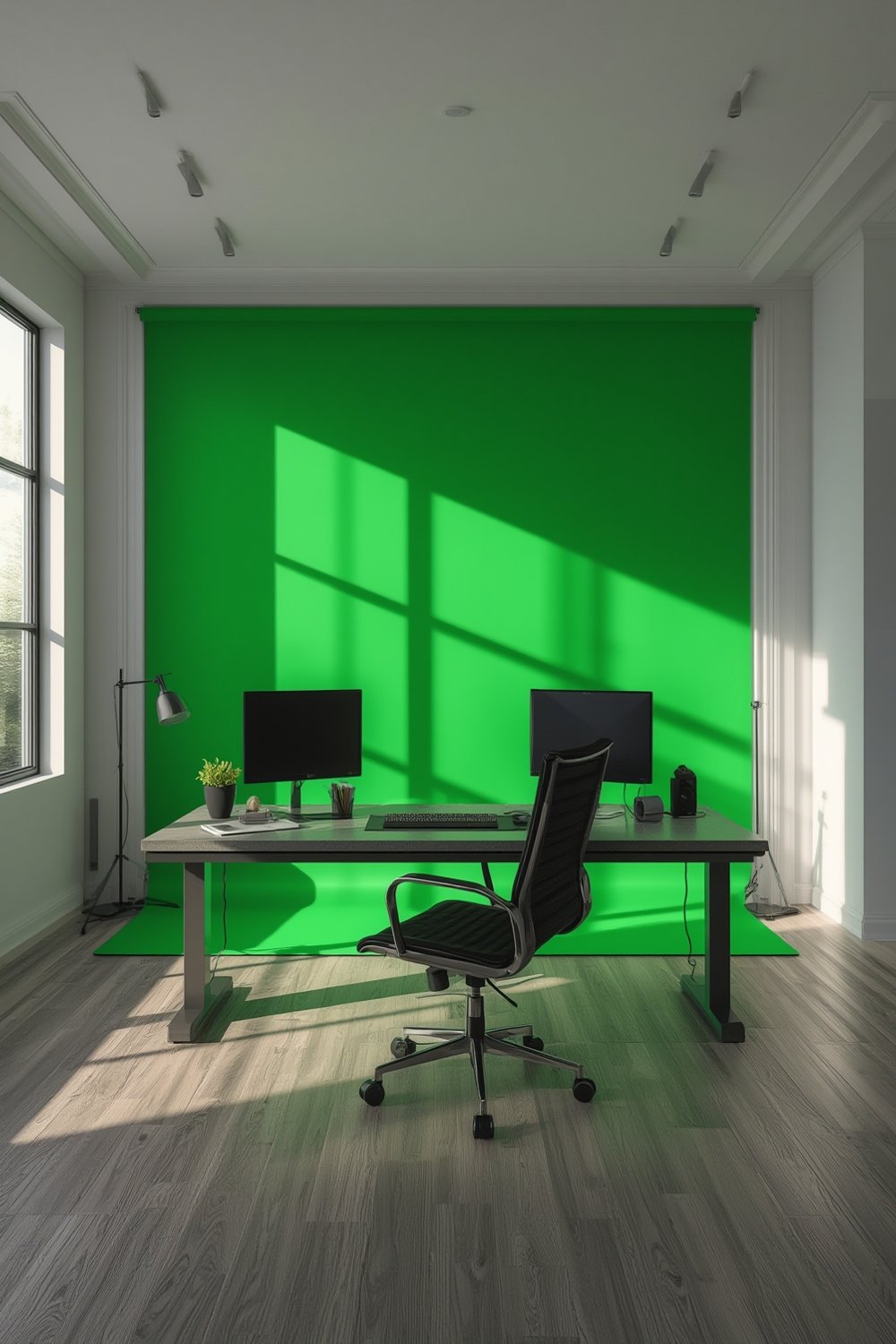
A green screen home office is a practical workspace set up at home that integrates a chromakey (typically green) backdrop. This backdrop lets you replace your background on video calls or recordings, creating a clean, professional appearance or customized virtual scene. The surge in remote work and digital content creation is fueling the demand for these setups, validated by the global Green Screen Backdrop market hitting USD 452.8 million in 2024 (source).
Green screens aren’t just for video pros. They’re now transforming ordinary home offices into flexible spaces for client meetings, online teaching, collaborative projects, and social streaming. With a portable pull-up green screen, you can adapt even small or shared rooms for serious work or creative projects.
Step-by-Step Guide
Creating a green screen home office is straightforward if you follow these actionable steps.
- Choose the Right Green Screen: For most home users, a collapsible or pull-up green screen offers the best mix of portability and effectiveness. Check the size: it should fully cover your camera’s field of view when you’re at your desk.
- Select a Suitable Location: Pick a well-lit area with enough space behind your chair. Position the green screen about 3-5 feet behind you to reduce unwanted shadows.
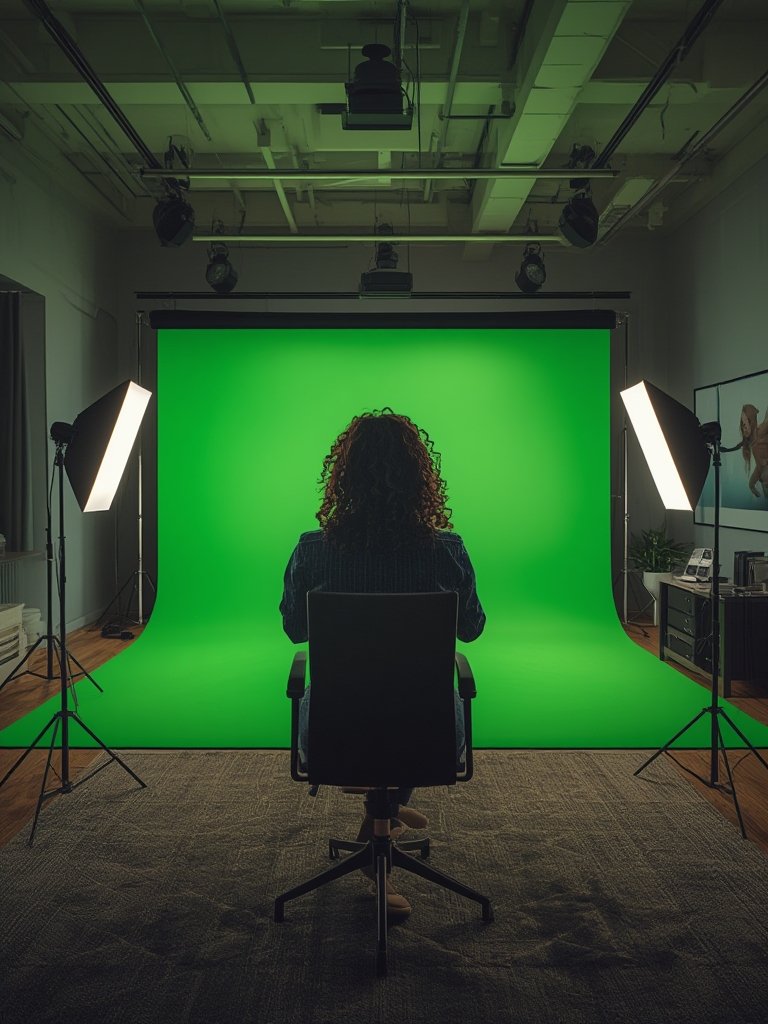
- Optimize Lighting: Use soft, even lighting. Two light sources on either side of the green screen minimize shadows and ensure even chromakeying.
- Set Up Your Workspace: Keep your camera at eye level. Pair your setup with organized office supplies using a desk organizer for a clutter-free frame.
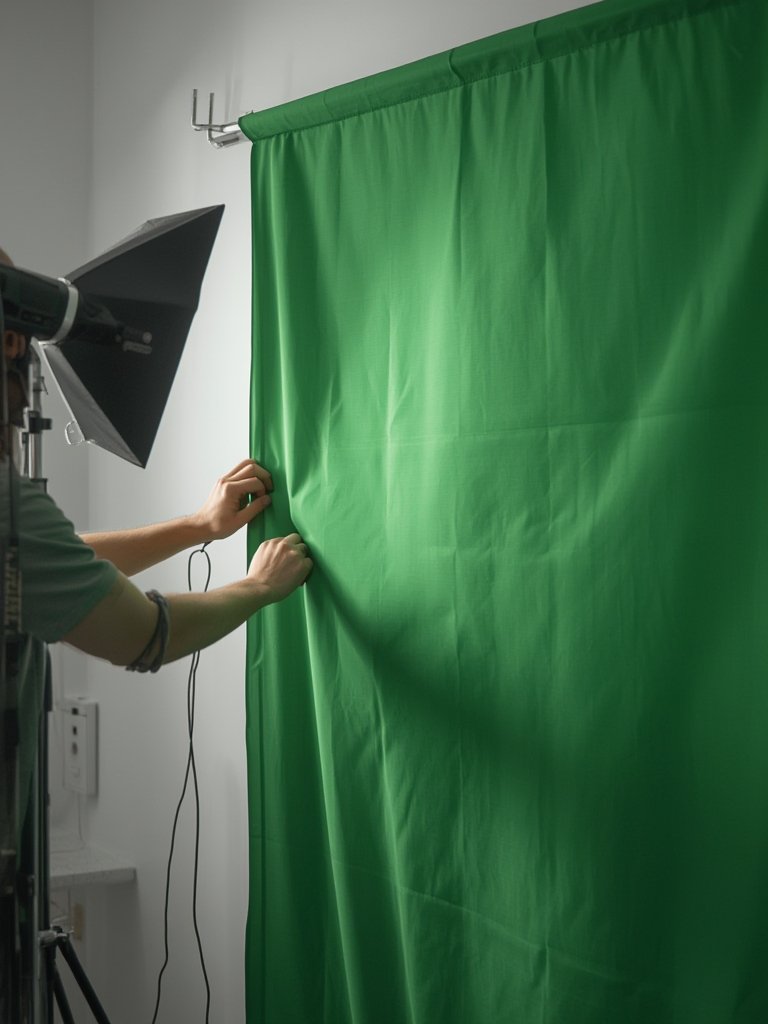
- Install and Test Your Green Screen: Attach or deploy the backdrop firmly. Check for wrinkles or creases, as these can cause chroma issues. Some screens come with frames that reduce sagging; double-check their assembly for tightness.
- Adjust Background in Conferencing Software: Platforms like Zoom, Teams, and OBS let you set a virtual background and adjust chroma settings for best results.
- Maintain a Comfortable Ergonomic Setup: Use an ergonomic chair to support long work or recording sessions.
If you are tight on space, consider a folding computer desk that can be moved aside when not in use, or add a compact bookshelf for extra storage and cleaner framing.
Advanced Analysis & Common Pitfalls
Even with solid instructions, many users encounter frustrations with their green screen home office setups. Here’s what to watch out for and practical solutions:
- Material Quality Issues: Budget green screens may use thin or glossy fabric that reflects light unevenly. This causes patchy backgrounds and poor chromakeying.
- Creasing and Wrinkles: Collapsible screens, especially fabric ones, often develop stubborn creases which are a nightmare for virtual backgrounds. Store screens rolled or use built-in tension frames to prevent this.
- Lighting Challenges: Uneven lighting creates visible lines or “hotspots.” Ensure you have adjustable light sources and experiment with their angles until the screen is uniformly lit.
- Space Constraints: Small home offices might not have a spare wall or enough room for a full-size backdrop. Solutions include retractable pull-up screens or corner setups.
- Ergonomics and Fatigue: Sitting too close or adjusting your position to fit the backdrop can cause discomfort. Invest in an ergonomic gaming chair for support during longer sessions.
- Software Compatibility: Not all virtual background tools work perfectly with every green screen. Test with your main conferencing platform (e.g., Zoom, Teams, OBS) and tweak settings.
| Feature | Collapsible Screen | Retractable/Pull-Up Screen | Fixed Wall Mount |
|---|---|---|---|
| Portability | High | Very High | Low |
| Material Quality | Fabric (may crease) | Semi-rigid/polyester (less crease) | Canvas/fabric (depends on mount) |
| Ease of Setup | Moderate | Easy, roll-up or pull-up | Complex (permanent) |
| Storage | Foldable, compact | Rolls back into case | Fixed, not storable |
| Croma Key Accuracy | Good with proper lighting | Excellent, less wrinkles | Excellent, permanent tension |
If you’re aiming for a compact workspace or have special seating preferences, consider a cross legged chair to stay comfortable during multi-hour sessions.
Conclusion
Whether you’re a remote professional, a creative, or a teacher, a well-designed green screen home office provides a sharp, distraction-free virtual presence. Focus on screen quality, correct lighting, and keeping your workspace tidy with helpful accessories. Don’t cut corners on ergonomics: your comfort impacts not just your productivity, but also the quality of your broadcasts or calls. With the right approach, your Green Screen Home Office will consistently deliver professional results. Ready to upgrade your workspace? Start planning your setup today.
FAQ
What size green screen do I need for a home office?
For most video calls and streaming, a 5 x 7 foot or 6 x 9 foot screen is more than enough. Make sure it covers your frame when you’re seated at your desk.
How do I prevent wrinkles or creases on my green screen?
Store collapsible screens rolled up or choose retractable options. Use a handheld steamer right before each session to remove stubborn wrinkles.
What lighting works best for green screens in a home office?
Use two softbox lights or a ring light placed at a 45-degree angle to the green screen. Even, soft lighting prevents shadows and makes the chromakey effect more accurate.
Are there ergonomic chair options for green screen home offices?
Yes, many ergonomic and gaming chairs are ideal for extended green screen sessions. Look for chairs with adjustable lumbar support and breathable mesh backing for comfort and productivity.
What’s the difference between a pull-up green screen and a collapsible one?
Pull-up screens use a spring mechanism for easy setup and storage, while collapsible screens fold and may need more effort to deploy and store. Pull-up screens generally get fewer creases, making them better for instant virtual backgrounds.