
Home Office Zoom Room setups are now a must-have, not just a nice-to-have. If you want crisp video calls, fewer distractions, and a workspace that helps you show up at your best, designing a dedicated Zoom Room at home can set you apart.
Key Takeaways
- Designing a Home Office Zoom Room improves professionalism, productivity, and your day-to-day video call experience.
- Focus on lighting, soundproofing, and uncluttered backdrops for best results, even on modest budgets.
- Pitfalls like echo, poor lighting, and messy backgrounds are common but easy to fix with a few actionable steps.
- The Core Concept: What Is a Home Office Zoom Room and Why Bother?
- Step-by-Step Guide: Creating Your Own Home Office Zoom Room
- Advanced Analysis & Common Pitfalls
- Conclusion
- FAQ
The Core Concept: What Is a Home Office Zoom Room and Why Bother?
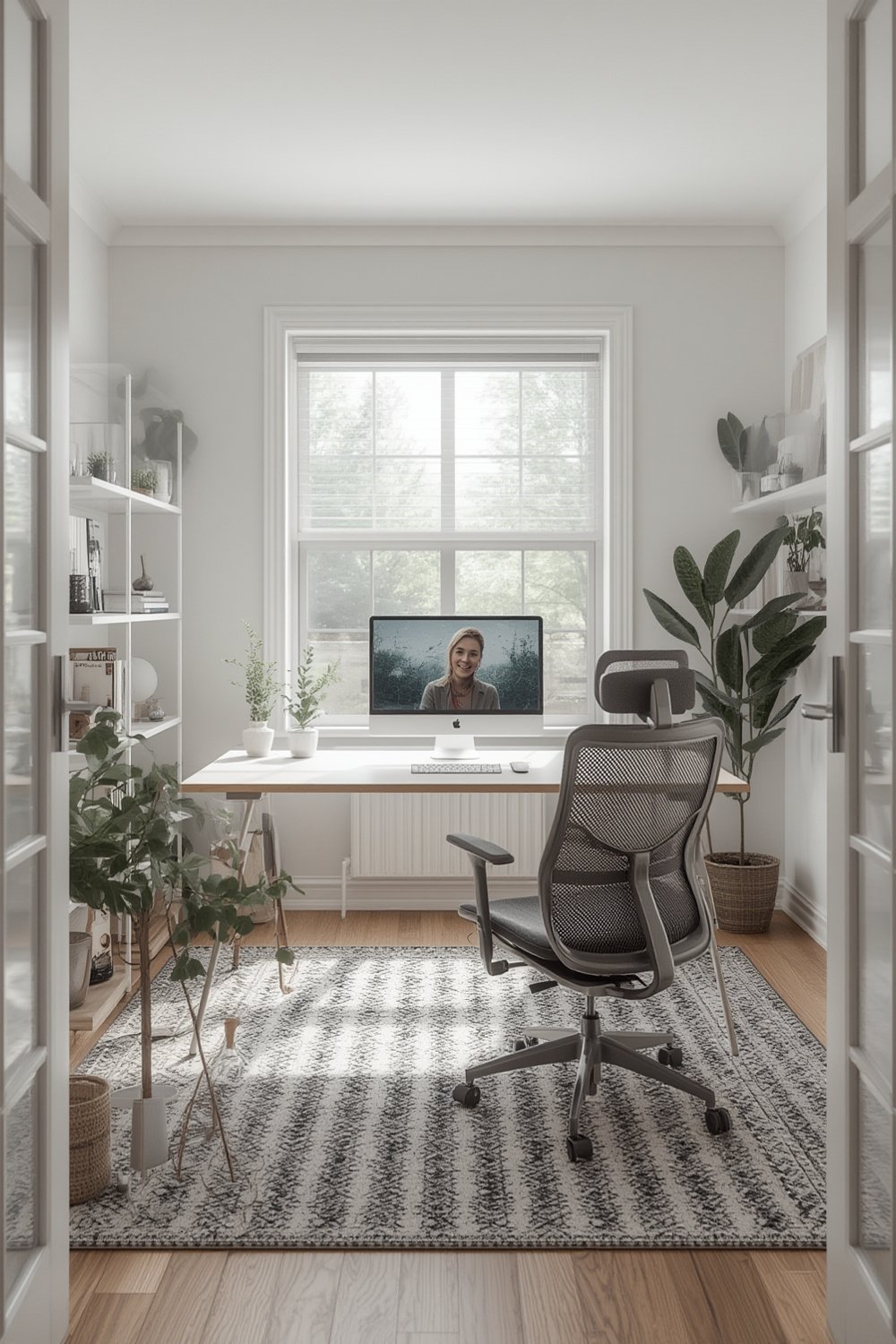
A Home Office Zoom Room is a dedicated workspace designed with video calls in mind. Instead of juggling laptops at the kitchen table or struggling with poor lighting in a spare bedroom, a Zoom Room is intentionally organized for streaming, clarity, and continuity during virtual meetings.
Why does this matter? Remote work is now standard, yet 75 percent of employees say their remote work tech needs upgrades (source). Companies invest in tools, but they rarely guide employees through real home office transformation. A well-designed Zoom Room boosts your professional image, helps you focus, and reduces the chances of embarrassing disruptions mid-meeting.
Step-by-Step Guide: Creating Your Own Home Office Zoom Room
Use the following actionable steps to create a Zoom Room that genuinely makes you look and sound better during every meeting. No huge budget required. Just focus on what works.
- 1. Pick Your Spot. Choose a low-traffic area where interruptions will be rare. If you lack a private room, look for corners with a blank wall—these can transform with just a few tweaks.
- 2. Desk and Organization Essentials. A clear, organized desk boosts focus and looks great on camera. Try the Kitsure Desk Organizer for effortless storage, or a compact folding computer desk to save space when not in use.
- 3. Lighting. Good face lighting trumps all. Natural window light works best, but add a dedicated LED ring light for cloudy days. The UBeesize Foldable Ring Light is easy to set up and dramatically improves your image clarity.
- 4. Soundproofing on a Budget. Hard surfaces bounce sound, causing echo. Use foam panels or thick fabric wall hangings behind and beside your monitor. Bookshelves—like the VASAGLE CUSTOS bookshelf—absorb sound and add a professional backdrop. Aim to cover at least 30 percent of the room’s walls with sound-absorbing material.
- 5. Backdrop Setup. Keep it simple: a clean, blank wall or tidy bookshelf looks professional. If you want to showcase personal branding or company logos, opt for an adhesive vinyl banner or a printed pop-up background that fits your style and space. Make sure colors are neutral and not overly bright—avoid mirrors or busy patterns that cause visual noise.
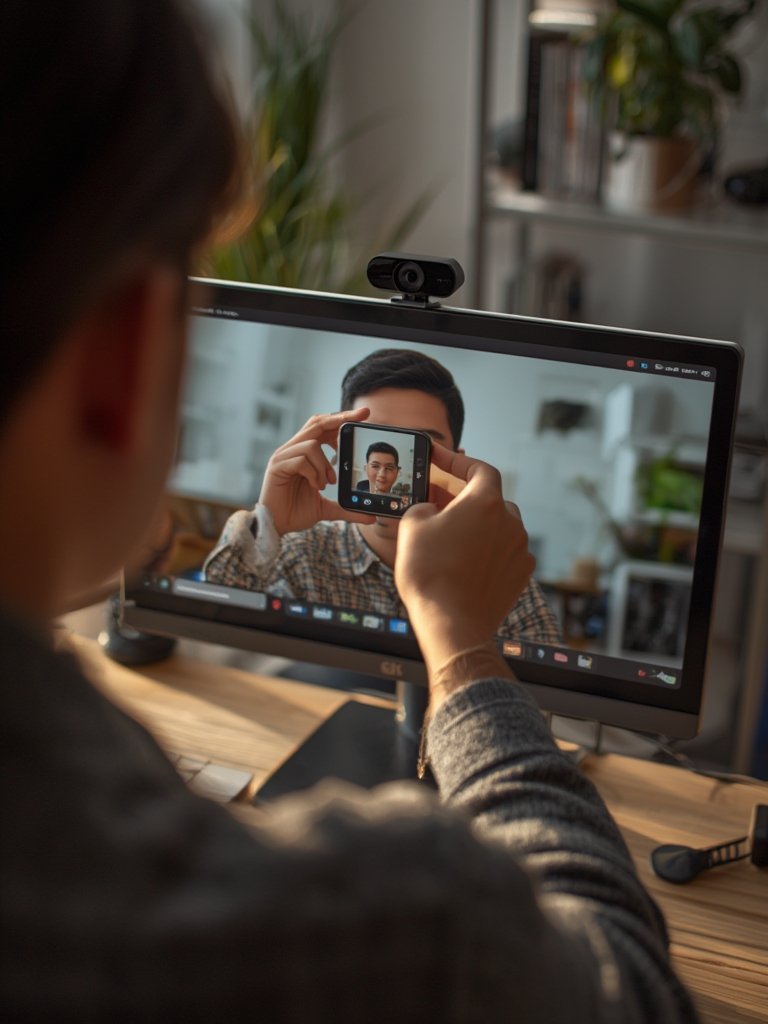
- 6. Cables, Cameras, and Microphones. Use cable clips to keep wires hidden. An upgraded webcam and noise-canceling USB microphone give a big boost to your appearance and audio—search for well-reviewed, affordable options on Amazon.
- 7. Final Touches. Tidy up, angle your camera at or just above eye level, and test audio/video before important calls.
Advanced Analysis & Common Pitfalls
Most remote workers skip crucial setup steps, which leads to a range of problems during video calls. Here’s a breakdown of common issues and how to fix them:
| Issue | How It Hurts Your Calls | Simple Fix |
|---|---|---|
| Echo and Tinny Audio | Your voice sounds distant; clients may struggle to focus. | Hang thick curtains, use foam panels, or place more bookshelves in the room. |
| Harsh or Dim Lighting | Your face is hard to see or looks washed out. | Set up an LED ring light or use lamps aimed at the wall for bounced, even light. |
| Messy or Distracting Background | Colleagues fixate on clutter, not your message. | Keep backdrops minimal. Consider a neutral wall or a neatly arranged shelf. |
| Camera Too Low or High | You appear awkward or less professional on camera. | Prop up your camera to eye level using a stand or sturdy stack of books. |
| Poor Cable Management | Visible cords distract and signal lack of organization. | Use cable clips or ties to keep everything hidden from view. |
Few resources provide actual cost data for soundproofing or branded backgrounds (source). Expect DIY foam panel solutions to cost $50-$150, while custom pop-up banners can range $75-$300 depending on size and quality.
Branded backdrops vary widely in durability and customization: adhesive vinyl is cheap but less reusable, while fabric banners endure better but require more space to hang. Companies offer custom-printed backdrops but home users should weigh cost versus actual professional needs.
Competitor articles rarely address these practical, budget-friendly choices or mention real pitfalls remote workers report, like skipped breaks and stress due to unoptimized setups. By tackling these issues directly, your Zoom Room can be both realistic and sustainable.
Conclusion
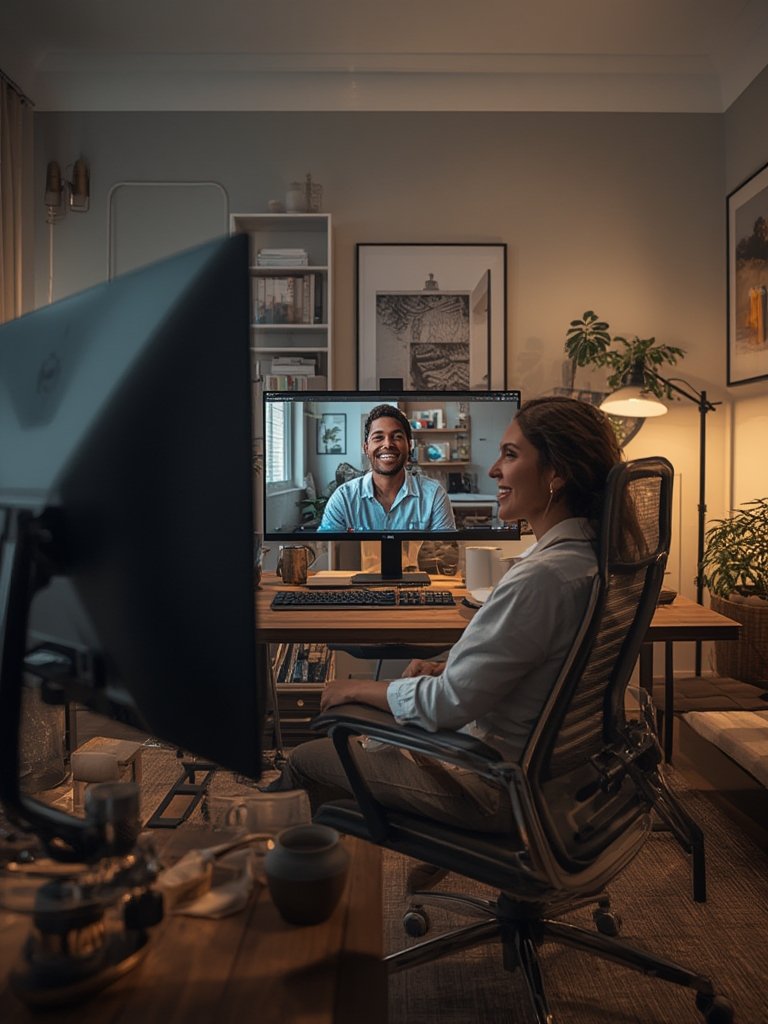
A little planning and a few targeted purchases can turn any space into an efficient Home Office Zoom Room. Focus on lighting, decluttered organization, and simple soundproofing to get a major boost in how you show up on screen. Ready to upgrade your home office? Put these steps into action and watch your virtual meeting game reach the next level.
FAQ
What is the most important element of a Home Office Zoom Room?
Lighting is the most critical factor for appearing professional on video calls. Use a ring light or position your desk near a window for best results.
Can I create a professional background without expensive panels?
Yes, a tidy bookshelf, solid-color wall, or adhesive vinyl banner can instantly create a polished backdrop without major investment.
Do I need to soundproof my entire home office?
No. Target the area directly behind and beside your screen with foam panels or fabric. This is usually enough to prevent echo and tame background noise.
How do I hide messy cables in my setup?
Use adhesive cable clips, zip ties, or run cords behind furniture to keep everything neat and out of camera sight.
Are there any must-have accessories for Zoom Rooms?
A desk organizer like the Kitsure Desk Organizer, a reliable ring light such as the UBeesize 14" Ring Light, and a basic bookshelf are great investments for function and appearance.