
Monitor Light Bar Screen solutions have transformed workspace lighting for professionals and gamers alike, addressing the real challenges of eye strain and glare that traditional desk lamps can’t solve.
Key Takeaways
- The monitor light bar market is rapidly growing, driven by digital eye strain awareness and remote work trends.
- Monitor light bars provide focused, glare-free illumination—solving major pain points like eye fatigue and workspace glare from standard desk lamps.
- Choosing and using a monitor light bar correctly requires practical steps and awareness of common pitfalls for lasting eye comfort.
- 1. The Core Concept: What Is a Monitor Light Bar Screen and Why Use One?
- 2. Step-by-Step Guide to Choosing and Setting Up a Monitor Light Bar Screen
- 3. Advanced Analysis & Common Pitfalls
- 4. Conclusion
- 5. Frequently Asked Questions
1. The Core Concept: What Is a Monitor Light Bar Screen and Why Use One?
A monitor light bar screen is a slim, adjustable LED lamp that attaches directly to the top edge of your monitor or laptop. Unlike traditional desk lamps, a monitor light bar shines light downward onto your desk without spilling onto the screen, eliminating glare and helping reduce eye fatigue. This focused illumination is engineered to match the geometry of a typical workstation, offering a more comfortable and productive environment for extended computer use.
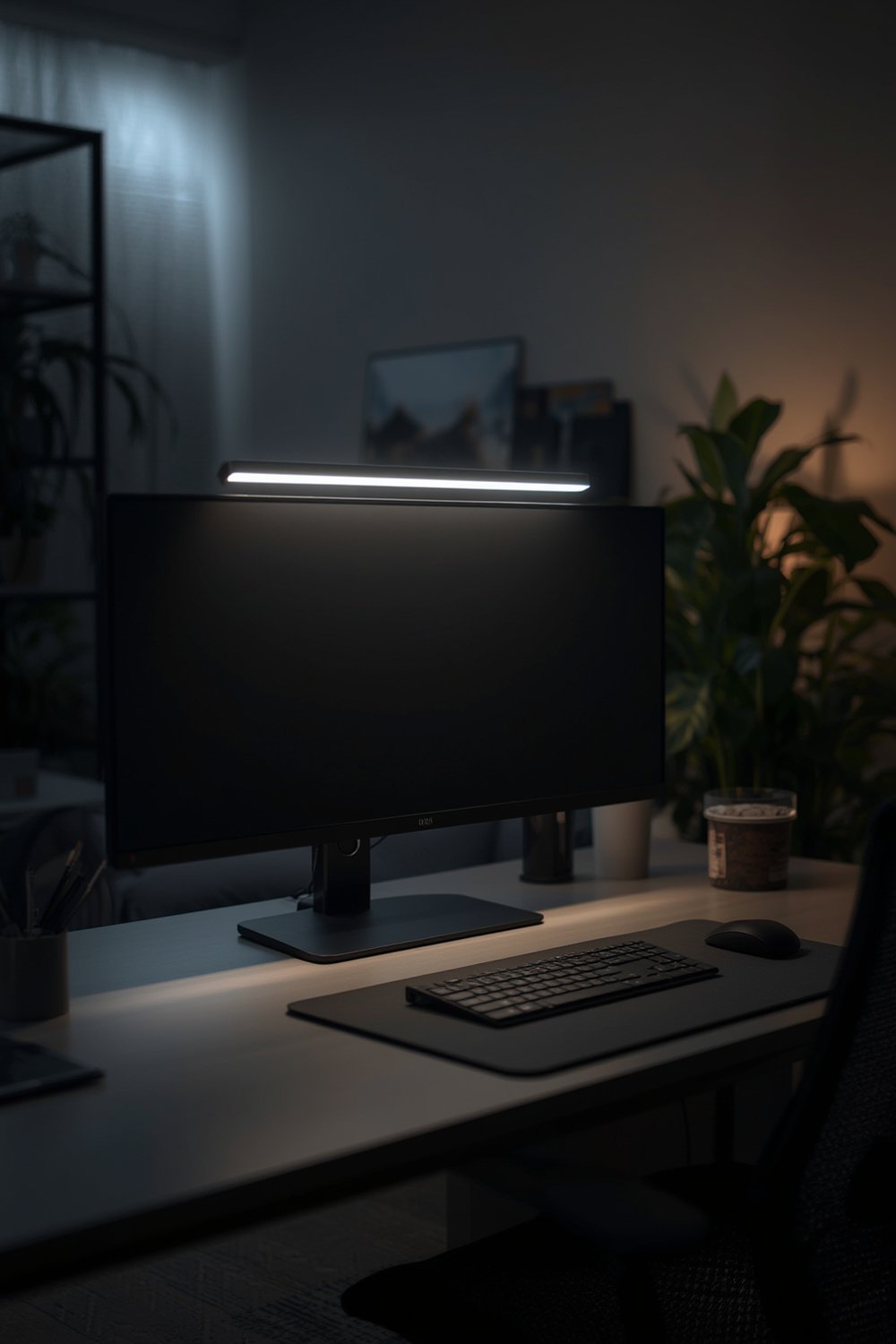
Market research highlights explosive growth in the monitor light bar space, fuelled by the global surge in remote work and increased screen time. In 2024, different sources value the market between USD 1.2 and 3 billion, with unit sales exceeding 200 million annually. Demand is highest in North America and rapidly rising across the Asia-Pacific region, especially China.
Key pain points drive adoption:
- Eye strain and fatigue from poor or misdirected lighting
- Distracting screen glare created by overhead or side lamps
- Insufficient lighting for paperwork and workspace tasks
Monitor light bars address these with targeted, glare-free LED technology.
For an organized and ergonomic workspace, pair a monitor light bar with a desk organizer or upgrade your entire setup with an ergonomic chair for proper posture.
2. Step-by-Step Guide to Choosing and Setting Up a Monitor Light Bar Screen
Choosing the right monitor light bar screen transforms your workspace, but to get the full benefit, follow these steps:
- Measure your monitor—Width and screen thickness determine compatibility. Most light bars fit screens 17 to 32 inches wide.
- Decide on power options—USB-A is the standard, but USB-C offers better power delivery and compatibility, especially for modern laptops and docking stations.
- Check for adjustable brightness and color temperature—The most effective light bars let you adjust both. Warmer tones are better for evenings, cooler tones for daytime concentration.
- Evaluate mounting mechanism—Look for a weighted clip or adjustable bracket; poor mounting can cause drooping or even damage display bezels.
- Consider advanced features—Some premium models offer auto-dimming based on ambient light for optimal comfort.
- Choose a trusted brand—BenQ, Xiaomi, Philips, and Govee are leading names in 2024, though lower-cost brands may offer basic functionality.
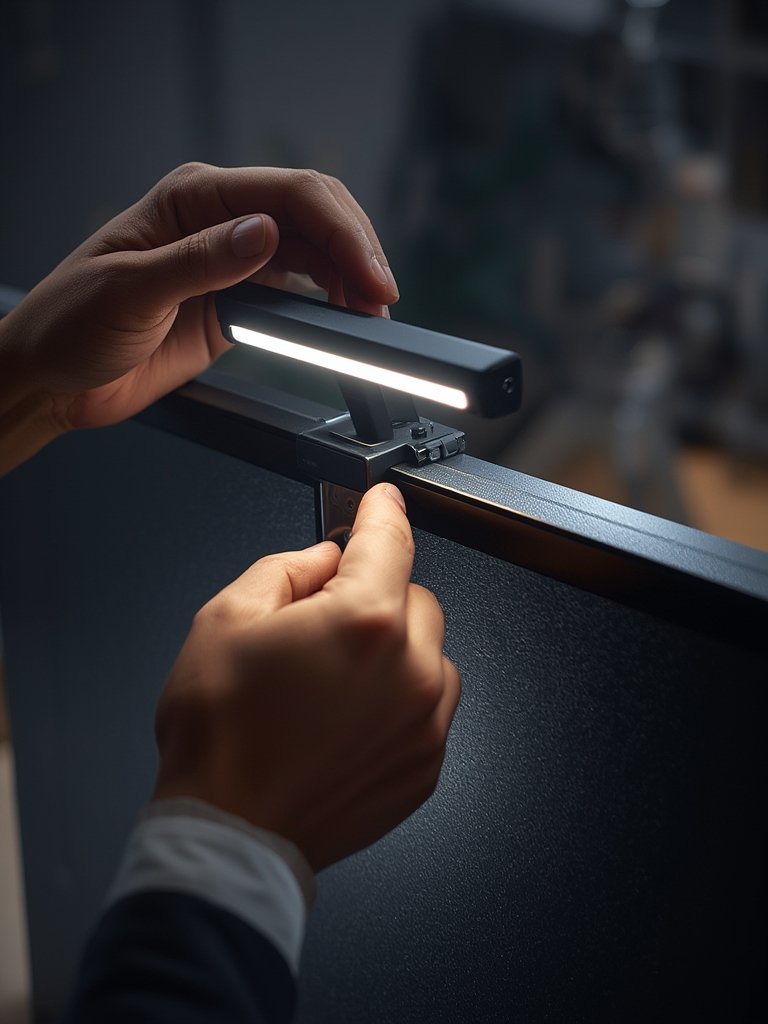
Once installed, adjust the brightness and color temperature to match your room’s ambient light. If your product includes an auto-dimming sensor, experiment with manual mode for a few days to see which feels easier on your eyes.
Don’t neglect the rest of your setup. Pairing your new light bar with a space-saving folding desk or a 3-tier bookshelf can further enhance productivity in compact workspaces.
3. Advanced Analysis & Common Pitfalls
Before you buy or upgrade, it’s worth considering some potential problems that occur even with the best monitor light bar screens.
- Inconsistent product standards: Unlike traditional lamps, not all monitor light bars list lumens, color rendering index (CRI), or color temperature ranges. Expect some ambiguity if you’re not choosing a premium brand.
- Limited compatibility for curved and ultrawide monitors: Many mounting mechanisms are designed only for flat displays. Some bars droop or cast uneven lighting on curved screens.
- No clear clinical data on eye strain reduction: While market reports repeat claims about eye comfort, no peer-reviewed studies currently prove the superiority of monitor light bars over conventional desk lamps.
- USB power limitations: Not all USB ports can deliver enough power, especially if you’re using older docking stations or shared hubs.
- Distracting blue light in late hours: Some cheaper models lack a warm white color option, meaning aggressive blue or cool light late at night—potentially disrupting sleep cycles.
- False expectations around feature sets: Brands market advanced features—but not every “auto-dimming” or “asymmetric lighting” system is equally effective.
| Feature | Monitor Light Bar | Traditional Desk Lamp |
|---|---|---|
| Glare-Free Illumination | Yes | No |
| Adjustable Color Temperature | Often | Rare |
| Mounting Flexibility | Monitor Top Only | Desk Surface Only |
| Power Source | USB-A/USB-C | Wall Outlet |
| Cost Range | $30-$150+ | $15-$200+ |
| Clinical Evidence (Eye Strain) | Not Verified | Not Verified |
Consider how your chair and screen height fit with your light bar’s angle. If you haven’t already, review what proper ergonomic posture looks like in our high-back ergonomic chair guide and compare with options for gaming chairs built for longer sessions.
4. Conclusion
Monitor light bar screen technology offers a practical, workspace-friendly solution to traditional lighting challenges. Despite the lack of clinical proof, most users find that the targeted, glare-free illumination meaningfully reduces eye discomfort and boosts productivity. Before buying, carefully verify compatibility, real feature sets, and adjust for your unique environment. Elevate your desktop setup beyond lighting—integrate with supportive workspace elements for full ergonomic benefit.
Ready to transform your setup? Explore the latest monitor light bar screen options and improve your workspace comfort today.
5. Frequently Asked Questions
Can a monitor light bar screen damage my display?
No. As long as you use a reputable brand and follow installation instructions, light bars are safe for monitors. Avoid models with overly tight or sharp-edged mounting clips, as these might scratch thin bezels.
Will a monitor light bar fit curved or ultra-wide monitors?
Some light bars fit curved or ultra-wide displays, but not all. Double-check product specs—look for brands advertising compatibility with your specific monitor type to ensure proper fit and illumination coverage.
Are monitor light bars clinically proven to reduce eye strain?
There are currently no peer-reviewed clinical studies directly proving that monitor light bars reduce eye strain more effectively than desk lamps. However, the market consensus suggests a noticeable comfort improvement for most users.
Can I use a monitor light bar with a laptop?
Yes, many models offer adapters or smaller sizes for laptops. Make sure the mount can safely clip to the thinner profile without slipping or obstructing the webcam.
What features should I prioritize when choosing a monitor light bar?
Look for adjustable brightness, color temperature control, solid mounting, and compatible power options (USB-A or USB-C). Trusted brands such as BenQ, Xiaomi, and Philips provide the widest feature ranges.