
Smart Lighting Circadian Office solutions are rapidly changing how we think about productivity and well-being at work. Old-fashioned office lighting leaves many of us tired, distracted, and uncomfortable, but new circadian systems claim to support better focus and mood by mimicking the body’s natural rhythms. Are these systems a science-backed path to better performance, or just a tech fad with hidden hassles? Here’s exactly what you need to know before making the switch.
Key Takeaways
- Most modern offices struggle with poor lighting complaints—smart circadian systems promise relief, but evidence is still emerging.
- Core features to demand in 2024: daylight harvesting, adjustable color temperature, personal controls, and solid security safeguards.
- Don’t overlook real-world issues: user frustrations, integration snags, costs, and ongoing maintenance all matter for a successful upgrade.
- What Is Smart Lighting Circadian Office and Why Does It Matter?
- How to Upgrade: Step-by-Step Guide
- Advanced Analysis & Common Pitfalls
- Conclusion
- FAQ
What Is Smart Lighting Circadian Office and Why Does It Matter?
Smart Lighting Circadian Office systems are designed to support your body’s sleep-wake cycle—also called your circadian rhythm—by adjusting light levels and color temperature throughout the workday. The idea is simple: instead of static, harsh fluorescent bulbs, you get lighting that changes smoothly, sometimes automatically, to mirror natural daylight patterns. This approach aims to reduce eye strain, headaches, and fatigue, as well as potentially boosting energy and concentration.
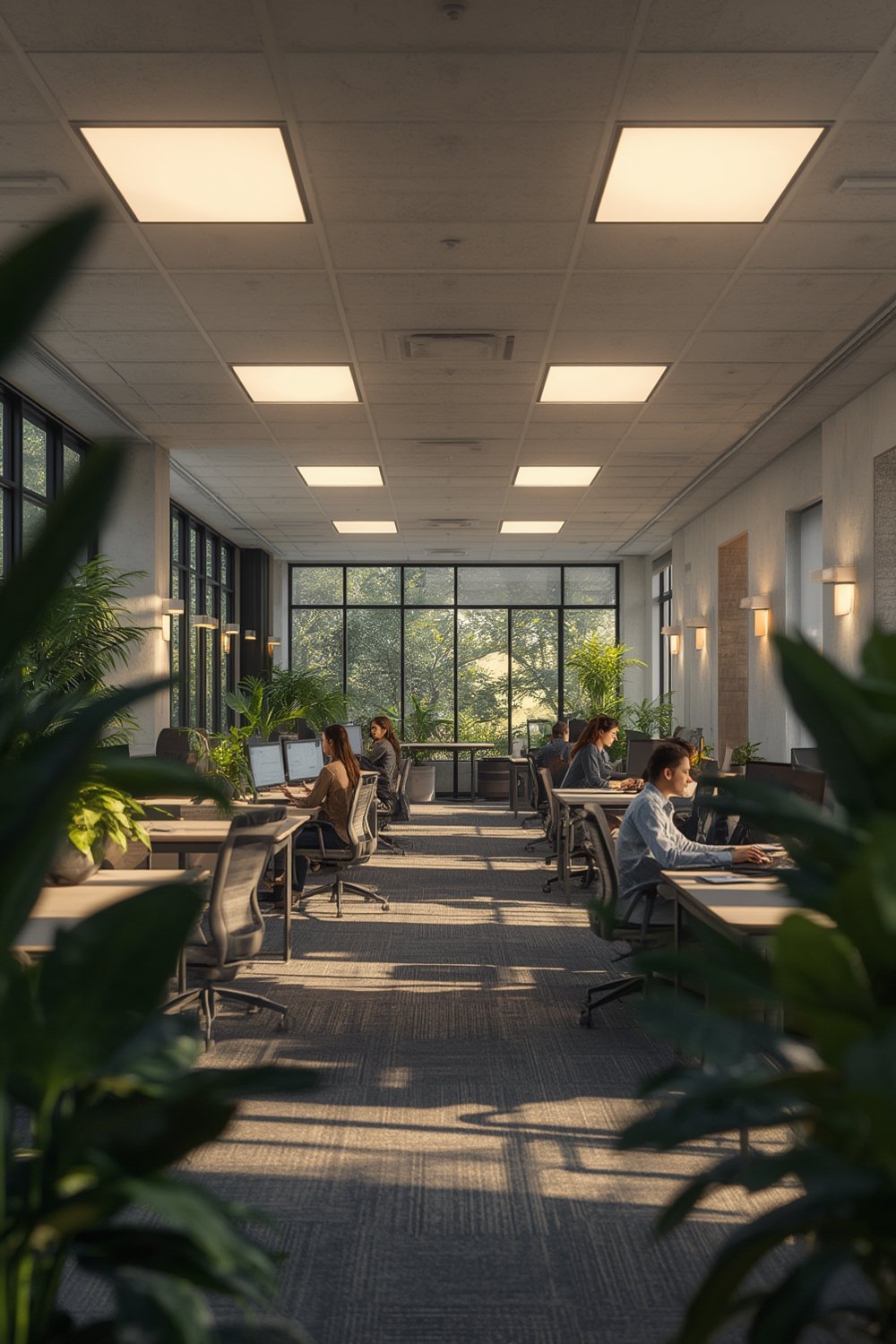
So why does this matter for the average office? According to recent surveys, nearly 7 out of 10 employees are dissatisfied with their office lighting, noting problems like eye strain, headaches, low energy, and trouble focusing. Old lighting tech—especially dim or flickering fluorescents—can have surprisingly negative effects on both comfort and performance (source). Circadian lighting claims to address these pain points by allowing individual control, reducing glare, and offering lighting quality that feels better for both mind and body.
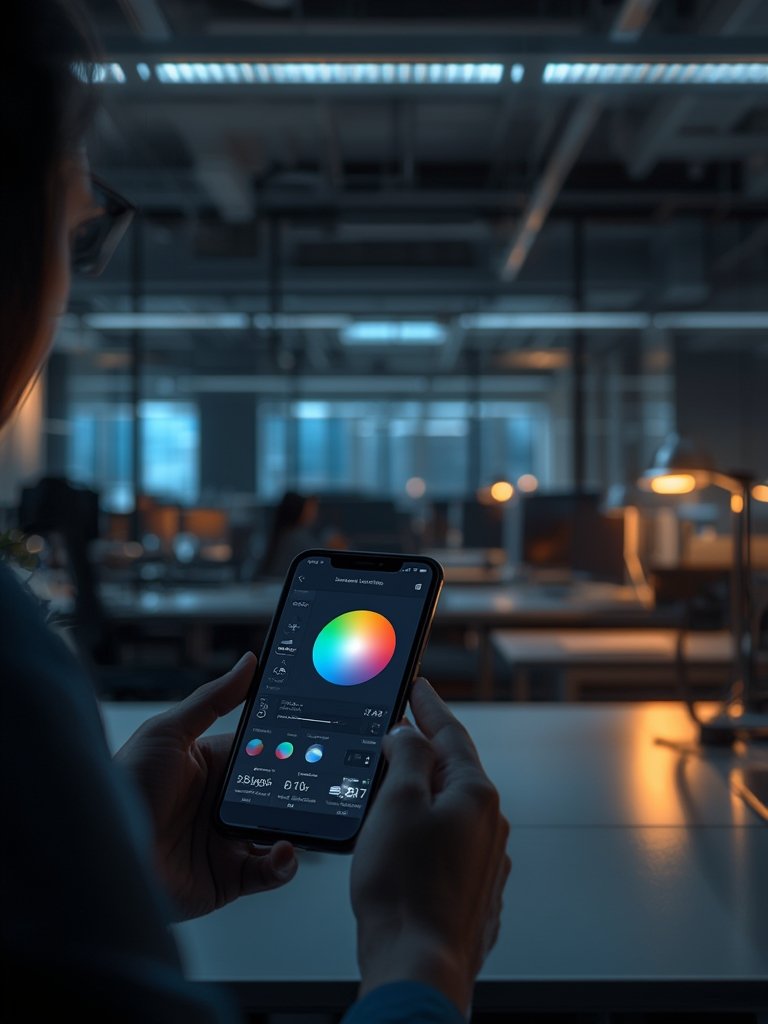
Instead of just turning lights on and off, today’s top systems can include sensors for daylight harvesting, adjustable color ranges (from cool blue to warm yellow hues), app controls, and even voice integration. But as we’ll see, setting up a Smart Lighting Circadian Office is about much more than just swapping a few bulbs—and getting the results you want requires thoughtful planning.
How to Upgrade: Step-by-Step Guide
Ready to overhaul your workspace lighting for true circadian support? Here’s a simple, actionable roadmap to get it right the first time—whether you’re updating a home office or a larger company environment.
- Assess Your Workspace
Take a walkthrough during a normal workday. Note which areas get daylight, which feel dim or glary, where screens reflect overhead light, and times when you feel tired or distracted. Log user complaints if you’re in a team office. - Define Your Lighting Needs
Decide: do you want scheduled changes for everyone, personal desk controls, or both? Will you need voice command or app-based adjustment? Prioritize flicker-free LEDs, broad color temperature range (ideally 2700K–6500K), and integration with your existing platforms (like Alexa or Google Home if relevant). - Choose Compatible Hardware
While big-name brands in color-tunable office lighting aren’t specified in research, look for systems with the features above, automatic daylight sensors, and built-in app or desktop interfaces. Don’t skimp on cybersecurity—poor configuration opens up risk, especially on WiFi networks. - Plan for Installation
Professional installation is a must for multi-zone offices. Timelines vary, but a retrofit may take from a single afternoon (home office) to a week (larger office upgrade). Include time for setup, programming, and user training. - Integrate and Test
Set up standard lighting schedules. Start with a gentle morning ramp-up (cooler, brighter), shifting to warm, dimmer hues after lunch. Give users a way to override for focus or relaxation needs. Test cybersecurity and connectivity. - Maintain and Review
Schedule regular cleaning and annual checks for controls and sensors. LEDs last 10–12 years, but software may need periodic updates. Log any discomfort or tweak routines as needed—no system is 100% set-and-forget.
While arranging your workspace lighting, don’t ignore the impact of clutter and ergonomics. Well-organized desks can amplify the effects of better lighting. Products like the 4-tier Kitsure Desk Organizer make it easy to keep pens, papers, and supplies accessible, reducing workplace stress and unnecessary strain.
Consider pairing your new lighting with adjustable desk furniture, like the Flash Furniture Walker compact folding desk or a high-back ergonomic chair for optimal comfort—the synergy of seating, storage, and light makes for a workspace that truly performs.
Advanced Analysis & Common Pitfalls
Even great hardware can fall flat if planning, integration, and user experience are neglected. According to recent user reviews and research, here’s where most Smart Lighting Circadian Office rollouts stumble:
- Glare & Uneven Illumination: Overhead “scene” lighting that forgets about monitors, glossy desktops, or deep shadows, triggering complaints of eyestrain and headaches. Many users still prefer natural or incandescent light over inexpensive LEDs (source).
- Complex Controls or Automation: Voice-controlled lights that are unresponsive, busy schedules that confuse users, or app integrations that break after software updates. Simple manual overrides are a must-have.
- Security Risks: Inadequate configuration of wireless or proprietary control systems can open up cybersecurity vulnerabilities—a real risk in modern offices.
- Unrealistic Daylight Imitation: Top circadian systems can adjust color temp and brightness to suggest the “feel” of daylight, but perfect replication is still impossible for most offices. Users should moderate expectations and tune to comfort, not just accuracy (source).
- Ignored Maintenance: Most systems need periodic cleaning, occasional LED or software updates, and checks to ensure sensors or schedules work as expected. Neglect leads to output drops—and unhappy users.
- Lack of Real Budget & ROI Data: Few suppliers provide clear cost savings numbers or long-term maintenance estimates. Most systems market efficiency but skip the real math—always run your own calculations to weigh upfront costs against any promised savings.
| Feature | Standard Office Lighting | Smart Lighting Circadian Office |
|---|---|---|
| Color Temperature Range | Static (fluo/LED: ~4000K) | Adjustable (2700~6500K+) |
| User Control | On/Off switch | App, voice, auto scheduling |
| Glare Management | Often poor | Potentially customizable |
| Energy Savings | Limited | Higher (with sensors, dimming) |
| Maintenance Needs | Bulb replace 2-5 yrs | LEDs 10-12 yrs; software periodic |
| Security Risks | Low | Medium–High (if connected/poorly secured) |
If you’re adding smart circadian lighting to a home office, don’t forget the soft factors: pairing the right task light with a storage shelf to reduce clutter, or enhancing video calls with a foldable ring light for a professional appearance.
Above all: Think of smart lighting as one piece—not the single solution—of the total ergonomic puzzle. For best results, combine it with supportive seating such as the mid-back mesh ergonomic chair and keep room aesthetics minimal for easier maintenance and mood control.
Conclusion
Smart Lighting Circadian Office systems do hold real promise for workplaces dogged by poor lighting, but they aren’t magic. The right setup can reduce eyestrain, boost energy, and minimize costly distractions. Yet, there are real risks: complicated installations, unclear savings, cybersecurity gaps, and systems that fall short of fully mimicking daylight. Plan with a critical eye, focus on ease of use, and regularly review settings—circadian benefits come with regular adjustment, not autopilot. If you’re ready to upgrade, start with one zone and get feedback—then scale knowing your choices are truly supporting your team’s comfort and performance with Smart Lighting Circadian Office solutions. Want a brighter, healthier workspace? Start designing your own circadian lighting upgrade today.
Ready to maximize both comfort and productivity? Pair your lighting overhaul with proven workspace essentials like an ergonomic office chair and a wide-seat cross-legged chair for a full productivity transformation.
FAQ
Do Smart Lighting Circadian Office systems really improve productivity and health?
There is strong evidence that poor lighting causes eye strain and loss of focus. Circadian lighting that mimics natural daylight may support well-being and alertness, but more independent research is needed for definitive proof. User feedback suggests people prefer adjustable, flicker-free, and personalized control options.
Is installation of smart circadian lighting systems complicated?
Professional installations are recommended, especially in multi-user spaces. Home offices may be easier, but you’ll still need to budget for time spent configuring app controls, sensors, and user routines.
Are there major brands that lead the market for these systems?
While big brands are not clearly identified in recent research, look for options with robust features: color temperature adjustment, daylight harvesting, app and voice controls, and strong security standards.
How often do these systems need maintenance?
Plan for periodic cleaning (once or twice a year), software or firmware updates, and replacing LED modules every 10-12 years. Test controls and sensors annually to keep the system running smoothly.
Will these lights save me money?
LED-based circadian systems are energy-efficient, but suppliers do not always provide clear cost breakdowns. Run your own numbers on upfront cost versus projected energy savings before making a big investment.