
Wireless Charging Desk Pad products are quietly reshaping workspaces—eliminating messy cords and offering seamless power right where you need it. If you crave a cleaner desk, fewer cable headaches, and easier access to device charging, read on: this is what the modern workspace looks like today.
Key Takeaways
- Wireless charging desk pads are evolving, with the market set for rapid global growth due to rising device adoption and cable-free trends.
- Choosing the right wireless charging desk pad involves understanding device compatibility and recognizing the genuine limitations and benefits.
- Integrated power desk accessories can greatly increase workspace organization, but some real-world downsides remain, like charging speed and device support.
The Core Concept: What Is a Wireless Charging Desk Pad and Why Should You Care?
A wireless charging desk pad is a hybrid of a standard desk mat and a wireless charging surface, letting you power compatible smartphones, earbuds, and even smartwatches just by placing them on your desk. The real value? Less clutter, streamlined power access, and a tidier, more modern office environment.
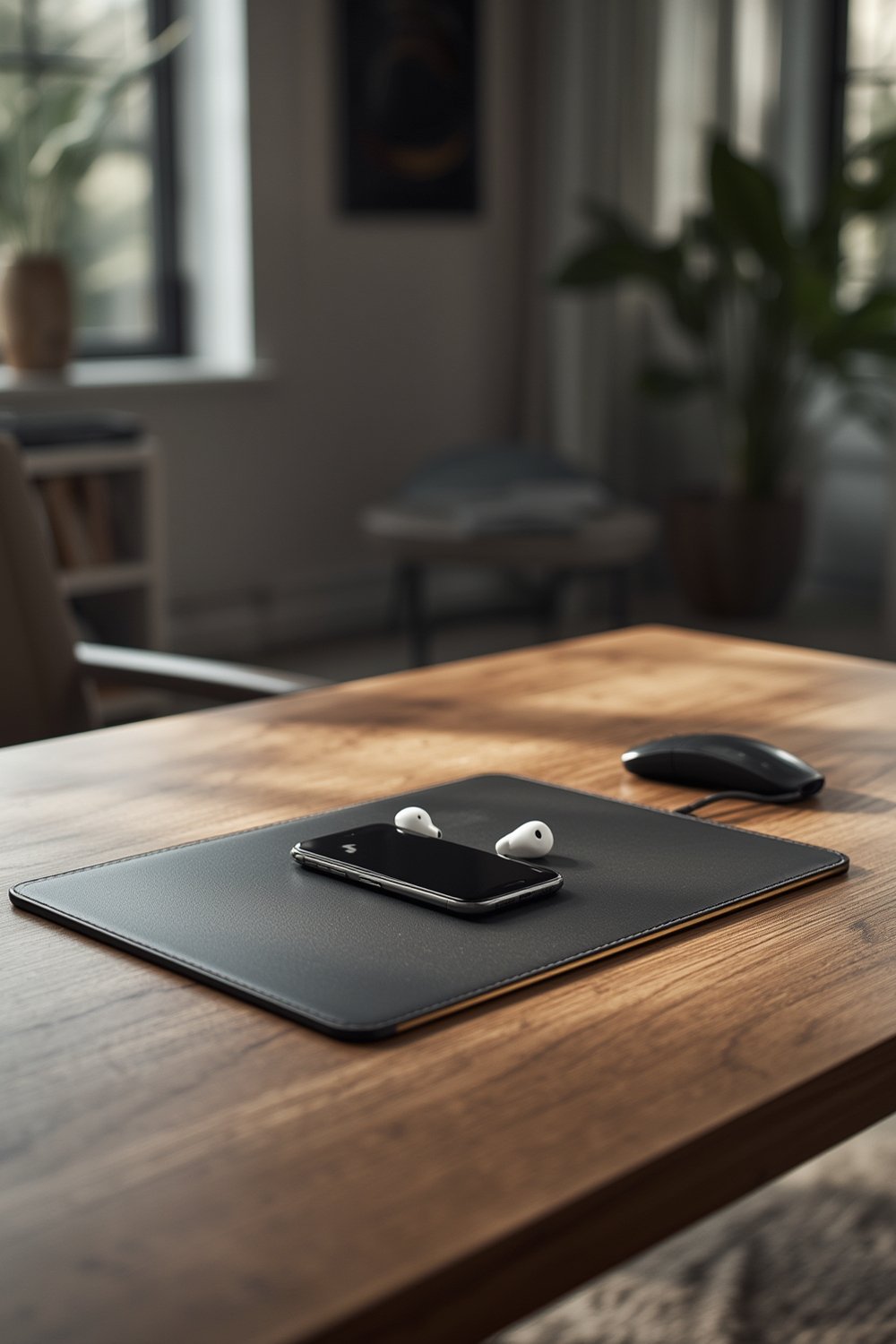
These devices gained huge traction recently. In 2024, the wireless charging desk mat market reached USD 1.32 billion globally, with the broader wireless charging pad segment at USD 20.3 billion—and a projected leap to USD 168.0 billion by 2035. The interest is driven by new office setups, more wearable gadgets, and a push for workspace minimalism.source
Unlike basic charging mats, today’s best desk pads support multiple device types, integrate with existing desk surfaces, and prioritize easy access without cable tangles. If you’re upgrading your setup, combining wireless charging desk pads with smart desk organizers or innovative furniture solutions can raise your productivity and comfort further.
Step-by-Step Guide: Choosing and Using a Wireless Charging Desk Pad
Here’s how to maximize your investment in a wireless charging desk pad—from selection to day-to-day use.
- Define your needs – Decide what devices (phones, earbuds, smartwatches) you want to charge. Some pads only handle one type of device or restrict the power output by slot (often 10-15W per phone). Broader wireless chargers are available in 15W, 16-50W, and even higher.Get more wattage details
- Plan your workspace – Place the pad where you usually put your phone or power-hungry devices while working. If you use a reading shelf or have a compact desk, choose a pad size that suits your available space. For multi-device charging, make sure there’s room for simultaneous use.
- Check integration options – Some wireless charging pads are integrated directly into furniture like desks or mousepads, while others are freestanding mats. Consider whether you’d prefer fixed or portable charging.
- Set up with cable management – While wireless for the device, desk pads still require a power cord. Use a tool-free desk organizer or an ergonomic chair with open access underneath to keep cords tidy and out of sight.
- Take note of warranty and longevity – Information on warranty coverage varies, but most major brands offer 12-24 months. Always keep your receipts and document issues early in case of power fluctuation or coil misalignment.
- Operational tips – To avoid overheating, keep the pad on a hard, flat surface, and clean it weekly to minimize dust buildup that can block charging or ventilation.
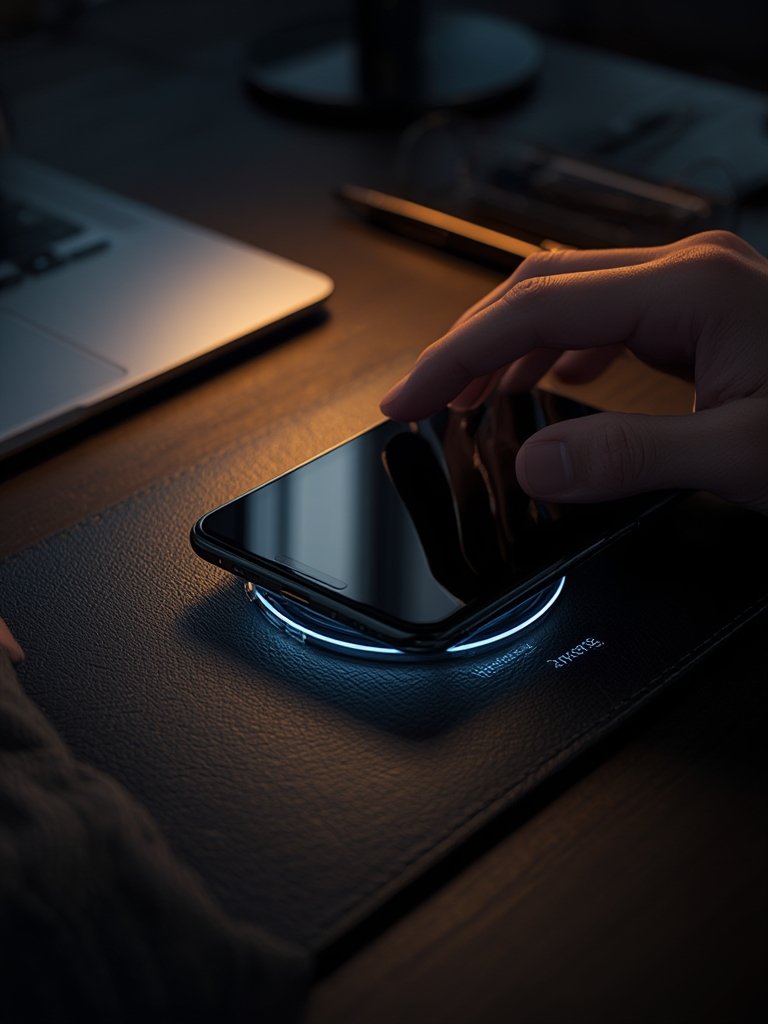
For work-from-home creatives or gaming setups, pairing your wireless charging desk pad with an LED ring light or an ergonomic chair can boost both your productivity and comfort.
Advanced Analysis & Common Pitfalls
Wireless charging desk pads shine in cable reduction and organization—but real-world use reveals some drawbacks. Here’s what to watch for:
- Device compatibility: Many users are surprised when their older or non-Qi-standard devices don’t charge. Always verify the charging protocols before investing.
- Charging speed limitations: Even the best desk pads rarely match the raw wattage of fast-wired chargers. For example, most Qi-enabled pads deliver up to 15W, which means slower top-ups for power users.
- Multi-device confusion: Not every pad can charge several devices simultaneously at full speed—read the specs or user reviews carefully.
- Power supply needs: Although the pad is wireless for the receiving device, it still needs its own AC adaptor and plug. Cord management is still a must.
- Desk integration: Furniture with built-in charging can add convenience, but retrofitting an existing setup isn’t always straightforward.
| Feature | Wireless Charging Desk Pad | Traditional Charging Hub | Classic Desk Organizers |
|---|---|---|---|
| Charging Cables Needed | No (for compatible devices) | Yes (at least one per device) | No (organizes only, does not charge) |
| Device Compatibility | Qi-standard or proprietary (check specs) | Universal (USB, USB-C, Lightning, etc.) | N/A |
| Simultaneous Charging Capacity | Usually 1-3 devices (often with drop in speed) | 3-6 devices (full speed per port) | 0 |
| Desk Clutter | Minimal, one pad and single cord | Medium, many cables, may need cable management | Reduces clutter, but doesn’t charge |
| Reliability | Dependent on exact position & coil alignment | Almost always reliable | N/A |
| Cost | Medium (price data varies) | Low to medium | Low |
For further details on practical differences, consider how an all-in-one ergonomic chair or a multi-use desk seat can integrate with your charging pad setup for a truly functional space.

One more word of caution: many wireless pads on the market today are not fully waterproof or heat-proof, so keep liquids away, and watch for heat buildup when charging for long periods.
Conclusion
Wireless charging desk pads deliver on the promise of cleaner, cable-free workspaces but require clear understanding of compatibility, placement, and realistic charging needs. The market is growing rapidly, offering new features and potential, but practical limits like charging speed and device support still apply. If a neater, more productive workspace is your goal, adding a Wireless Charging Desk Pad to your setup is a smart yet realistic step—just make sure you shop wisely and stay aware of any compatibility issues. Ready to upgrade? Shop for your ideal pad today and enjoy the clarity of a clutter-free desk.
FAQ
Do all phones work with wireless charging desk pads?
No, only Qi-enabled or compatible devices will charge. Always check your device specs before purchasing.
Can a wireless charging desk pad replace all my chargers?
Probably not. While great for phones and earbuds, many pads cannot fully power laptops or non-Qi-compatible gear. You may still need some conventional chargers.
How many devices can I charge at once?
Most pads support charging 2 to 3 devices, but often at a lower wattage per slot. Always review the manufacturer’s listed capacity and check user reviews for real-world performance.
Does wireless charging work as quickly as plugged-in charging?
No, wireless charging generally charges slower—typically up to 15W—versus 18W or more for strong wired fast chargers.
Are wireless charging desk pads safe to use all day?
Generally, yes, but avoid covering them with papers or cloth, keep them dust-free, and unplug when not in use to prevent overheating or dust buildup.